Big Tickets
Attendee App
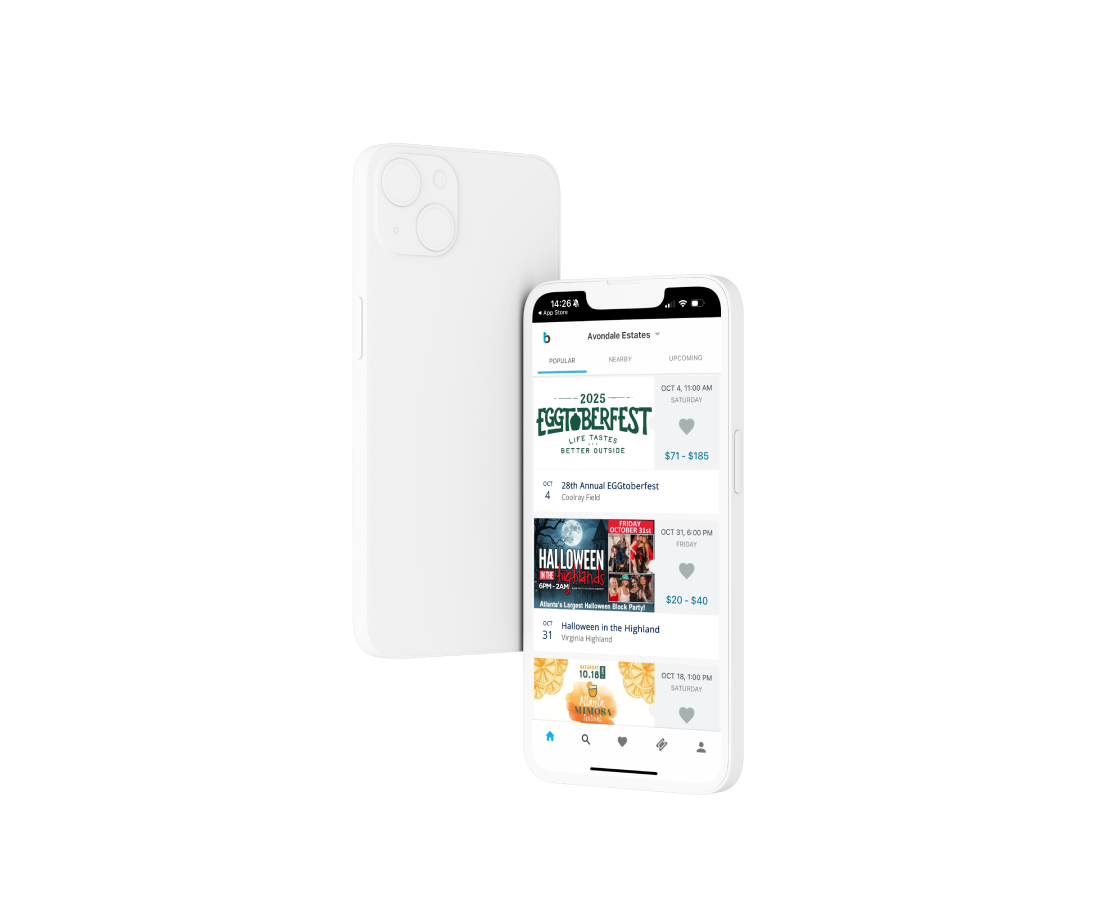
Find events, buy tickets, add them to your wallet, and get in fast, all from your phone.
App Features
Mobile tickets, wallet integration, flexible checkout, and fast entry

Mobile Ticket Access
Store and access your digital tickets on your phone. No printing required.

Event Discovery
Browse upcoming events near you and pick up where you left off with recent searches.

Easy, Secure Checkout
Pay quickly with Apple Pay, Google Pay, Venmo, PayPal, or a stored credit card.

Wallet Integration
Add your tickets to Apple Wallet or Google Wallet for fast entry at the gate.

Event Info on Demand
View event maps, directions, venue details, and set times when provided by the organizer.

Ticket Transfers
Transfer tickets to friends or family directly from the app. No reprinting, no hassle.
How It Works
Download the app, sign in, and go.
Use the Big Tickets App to find events, buy tickets, and check in at the gate, right from your phone.

1. Download
Get the Big Tickets App free on iOS or Android.
2. Sign In
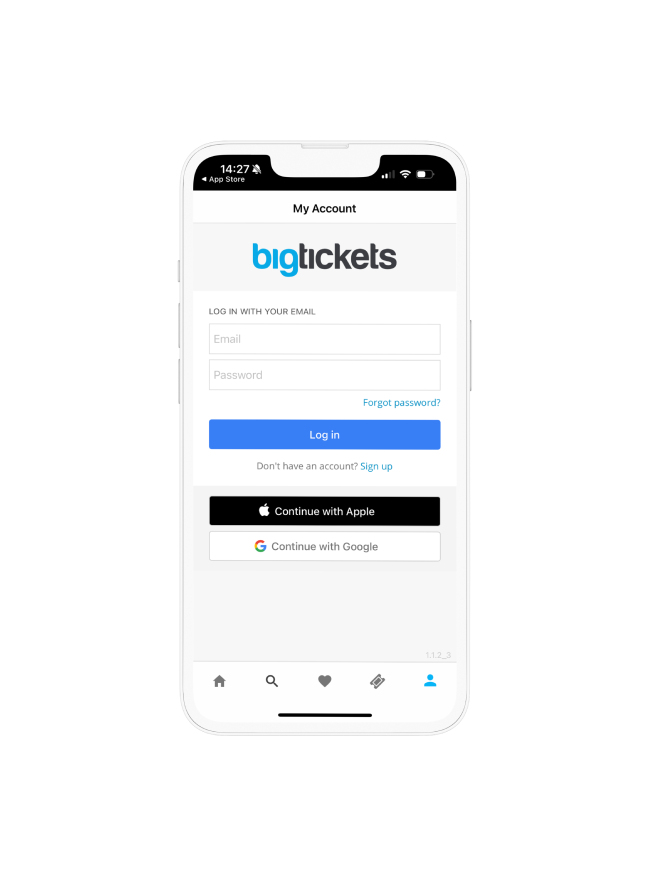
Log in or create an account to browse events and access your tickets.

3. Enter Fast
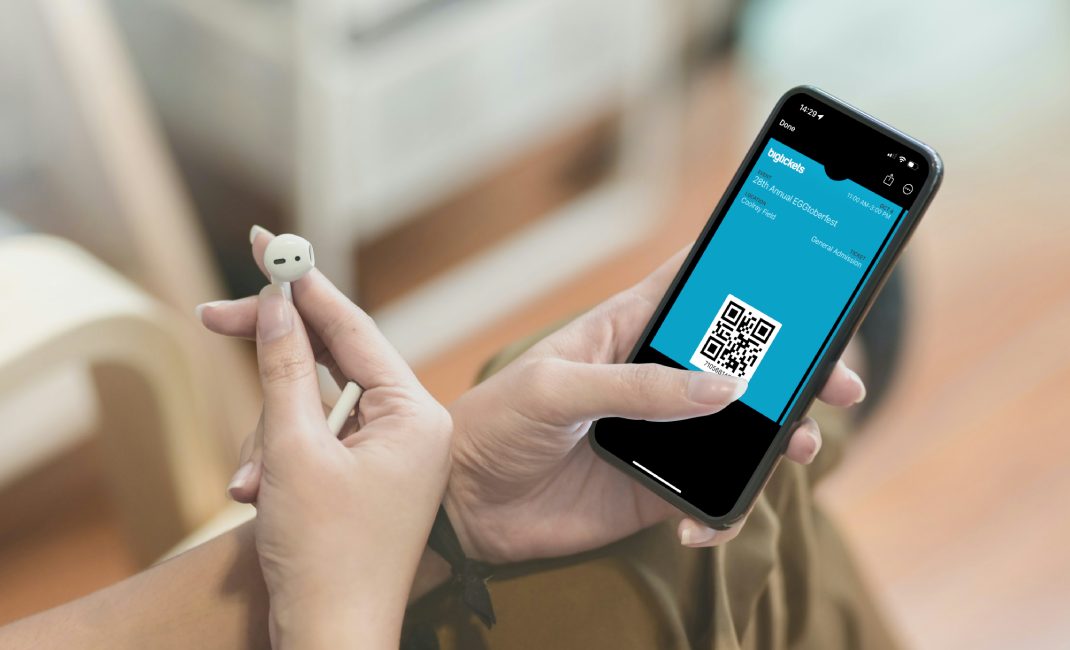
Show your mobile ticket or wallet pass at the gate. No printouts needed.
Mobile Wallet Support
In the app or in your wallet. Your attendees choose.
Tickets work inside the Big Tickets App, or attendees can add them to Apple Wallet or Google Wallet for fast entry at the gate. Either way, no printing required.
FAQ
Questions about using the Big Tickets App?
Log into the Big Tickets App using the email tied to your purchase. Your tickets will appear under the “My Events” tab.
Yes. Show your digital ticket in the app or your wallet pass at the gate. No need to print anything.
You can buy tickets with Apple Pay, Google Pay, Venmo, PayPal, or any major credit card stored in your account.
Yes. You can transfer tickets to another person directly from the app. You can also resend your ticket to yourself from your order confirmation email.
Yes. Once your ticket is available in the app, you’ll see an option to add it to Apple Wallet or Google Wallet for faster access at the gate.
Double-check that you’re logged in with the email used at checkout. Still no luck? Contact Big Tickets support and we’ll help track it down.
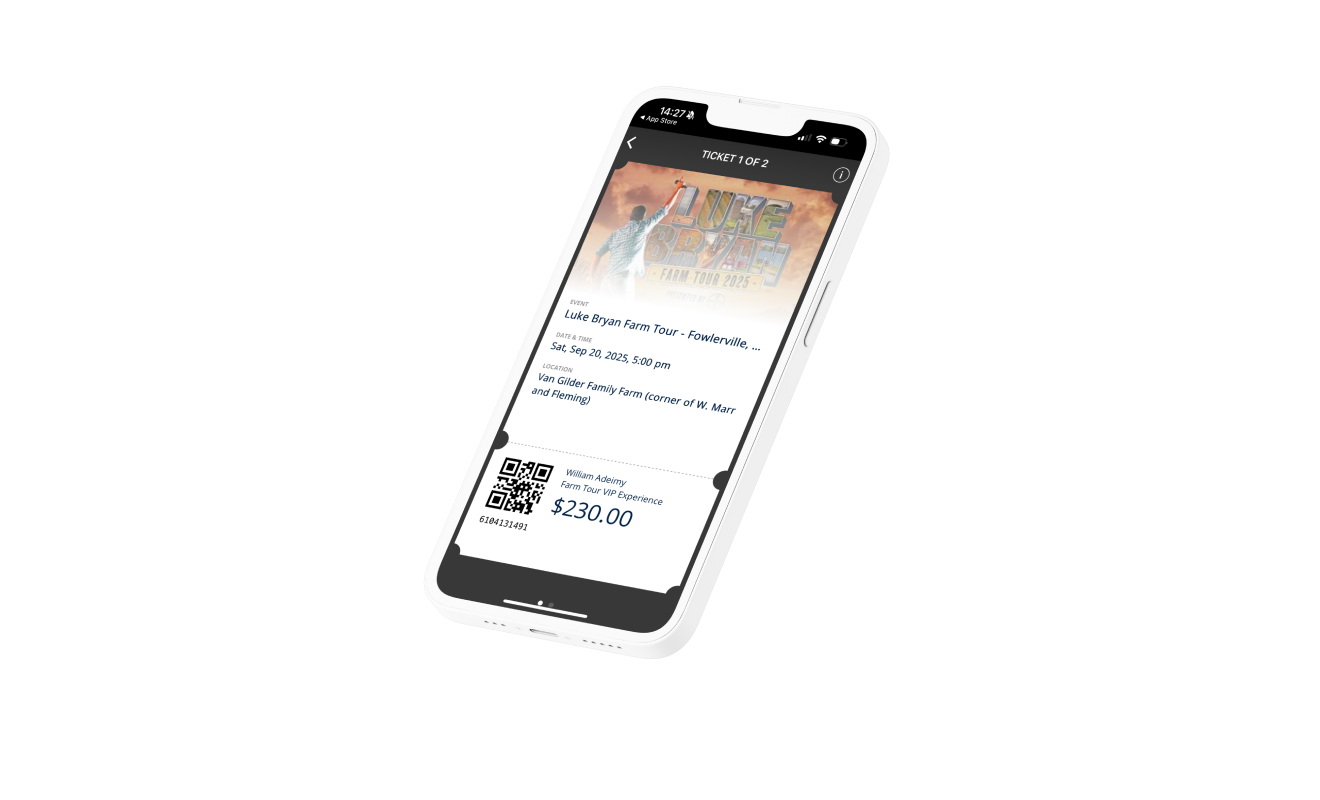
Buy tickets your way. Get in fast.
Check out with Apple Pay, Google Pay, Venmo, PayPal, or credit card. Add your tickets to Apple Wallet or Google Wallet and walk right in.